
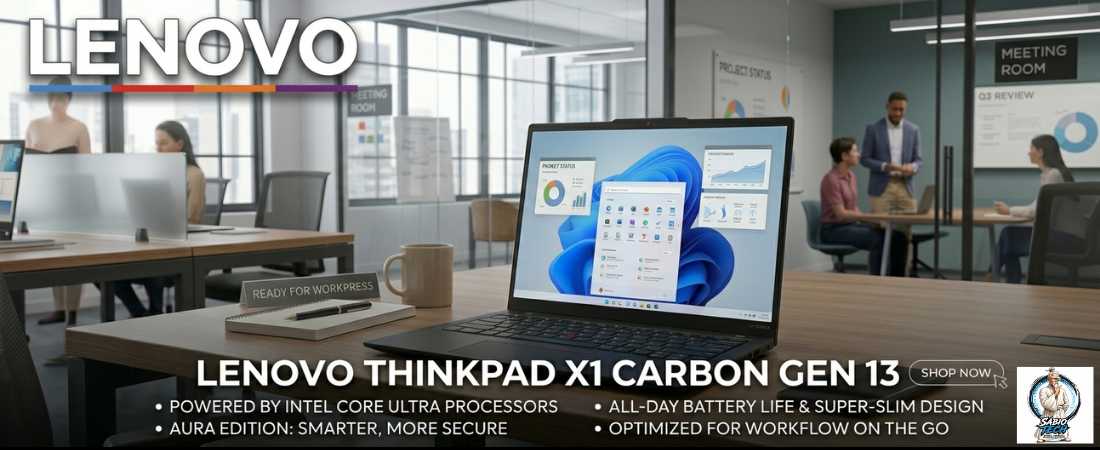
The Lenovo ThinkPad X1 Carbon Gen 13 is the laptop IT departments trust, road warriors rely on, and executives keep buying when they’re allowed to choose for themselves. Now in its thirteenth generation, it brings Intel Core Ultra 7 (Arrow Lake-H), optional Intel vPro, a chassis that starts at 1.12 kg, MIL-STD-810H certification, and a 14-inch display available with OLED. Starting at $1,499, it remains the benchmark every other business ultrabook is measured against.
Here’s what we’ll cover:
- ThinkPad X1 Carbon Gen 13 full specs
- What works and what doesn’t
- How it compares to the competition
- Our verdict
ThinkPad X1 Carbon Gen 13 Specs at a Glance
 Display 14″ IPS 2.8K 120Hz (base) 14″ OLED 2.8K 120Hz (upgrade) 500–600 nits · 16:10 · anti-glare  
|
 Processor Intel Core Ultra 5 / Ultra 7 (Arrow Lake-H) Intel vPro optional · AI Boost NPU 16 GB / 32 GB / 64 GB LPDDR5X
|
 Camera & Audio 5 MP IR + RGB · Windows Hello Dolby Atmos dual speaker · far-field mic physical webcam shutter · privacy LED
|
 Battery & Connectivity 57Wh · up to 15 hrs · USB-C 65W Thunderbolt 4 × 2 · USB-A × 2 · HDMI 2.1 Wi-Fi 6E · BT 5.3 · 4G LTE optional
|
 Storage 512 GB / 1 TB / 2 TB NVMe SSD Black · Deep Black from 1.12 kg · 14.9mm
|
OS & Security Windows 11 Pro · MIL-STD-810H TPM 2.0 · fingerprint · Smart Card opt. Lenovo ThinkShield · 4G LTE optional
|
What We Like
- The keyboard. Every review of every ThinkPad mentions it, and every one is right to. The key travel, the feedback, the accuracy under fast typing — nothing else at this price point comes close. If you write for a living or code all day, this is the laptop where that work feels right
- 1.12 kg is the kind of weight that compounds over time. On day one it doesn’t feel different from a 1.4 kg alternative. On day 90, after three months across airports and meetings, the difference has accumulated into something you feel in your shoulder
- MIL-STD-810H isn’t marketing. It covers drop, dust, humidity, altitude, vibration, and temperature extremes. Most business laptops aren’t certified to survive the conditions business users actually put them through — the X1 Carbon is
- Optional Intel vPro unlocks remote management, hardware-level security, and enterprise deployment tools that no consumer laptop supports. For IT departments managing fleets, this is the feature that makes the decision easy
- Port selection without compromise: 2× Thunderbolt 4, 2× USB-A, HDMI 2.1, and a 3.5mm jack. No dongles, no adapters for a standard desk setup
- The SSD is user-replaceable. Lenovo still believes the person who bought this laptop should be able to upgrade it — increasingly rare at this tier
What Could Be Better
- The base IPS display is clean but doesn’t excite. If you’re spending $1,499 on a ThinkPad, the OLED upgrade is worth the extra outlay — the IPS panel exists for enterprise configs where color accuracy isn’t the priority
- 57Wh is a smaller battery than competitors. Real-world mixed use lands around 10 to 12 hours — solid, but not the all-day result the spec sheet implies under light conditions only
- The speakers are tuned for voice clarity in meetings. They handle that job well. Music and media, not so much — a deliberate design trade-off worth knowing
- The design hasn’t changed substantially in years. That’s a feature for IT buyers. For anyone who wants a laptop that looks interesting, this isn’t that machine
How It Compares
| Laptop | Display | Weight | Enterprise Features | Starting Price |
|---|---|---|---|---|
| ThinkPad X1 Carbon Gen 13 | IPS/OLED 14″ 2.8K 120Hz | from 1.12 kg | vPro · MIL-SPEC · 4G LTE | $1,499 |
| Dell Latitude 9450 | IPS 14″ FHD+ 60Hz | 1.36 kg | vPro · MIL-SPEC · 5G | $1,799 |
| HP EliteBook 840 G11 | IPS 14″ WUXGA 60Hz | 1.38 kg | vPro · MIL-SPEC · 4G LTE | $1,399 |
| Microsoft Surface Laptop 7 (15″) | IPS 15″ 120Hz | 1.66 kg | limited enterprise | $1,499 |
Category Winners
| Category | Winner |
|---|---|
| Keyboard quality | ThinkPad X1 Carbon Gen 13 |
| Lightest at this spec | ThinkPad X1 Carbon Gen 13 |
| Enterprise deployment | ThinkPad X1 Carbon Gen 13 |
| SSD repairability | ThinkPad X1 Carbon Gen 13 |
| Port selection | ThinkPad X1 Carbon Gen 13 |
| Battery life | Microsoft Surface Laptop 7 |
| Value at base price | HP EliteBook 840 G11 |
Final Scores
| Laptop | Rating |
|---|---|
| Lenovo ThinkPad X1 Carbon Gen 13 |  |
| Dell Latitude 9450 | |
| HP EliteBook 840 G11 | |
| Microsoft Surface Laptop 7 | |
Should You Buy the Lenovo ThinkPad X1 Carbon Gen 13?
The X1 Carbon Gen 13 is the right laptop for someone who uses it as a professional tool every day — traveling frequently, needing enterprise-grade security, and valuing the keyboard above all else. For that person, there is no better option at $1,499.
Get the OLED display. Go to at least 32 GB RAM if your work involves virtual machines or heavy tab usage. And if nothing here sounds flashy — that’s the point. The ThinkPad X1 Carbon is one of the most boring product decisions you’ll ever feel great about.